

Iz Converter
Version 6.6 Stable Build • Desktop Application Suite
Select Architecture Distribution
System Requirements & Metadata
Compatible with Windows 10/11 (64-bit), macOS Catalina (10.15) or newer, and major Linux kernel versions with glibc 2.31+.
Functional Configurations
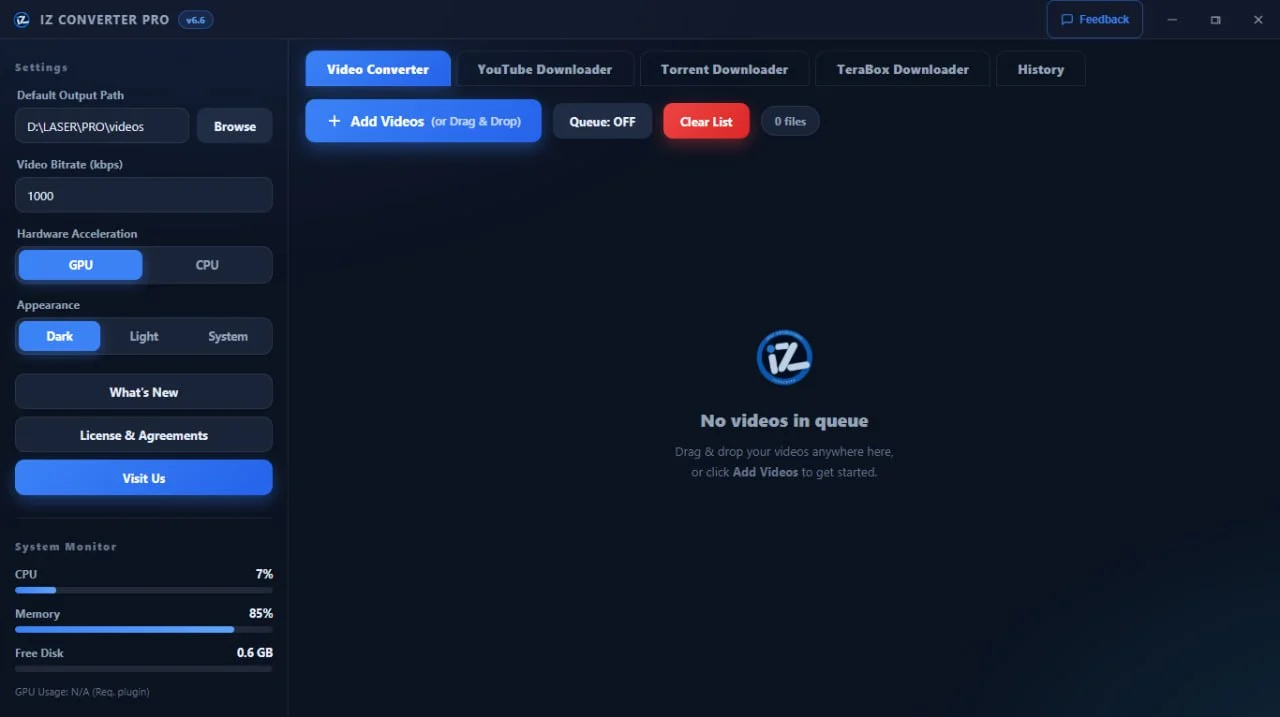
Straightforward Navigation
Uncomplicated layout configurations prioritize simple navigation paths, keeping operations functional for general conversion goals.
Multi-Format Engine
Supports a broad range of standard visual containers including MP4, MKV, AVI, WebM, and custom, web-optimized GIF files.
Concurrent Transcoding
Utilizes batch threads allowing multiple files to process simultaneously without interrupting background operation schedules.
GPU Acceleration
Interfaces with available NVENC, AMF, or Intel QuickSync architectures to delegate heavy processing loads away from raw CPU runtimes.
Zero Cloud Dependencies
Performs operations entirely locally on your hardware. No telemetry, internet verification, or remote server connections required.
Execution Console Logging
Exposes technical processing feedback line-by-line so users can audit conversion metrics and handle debugging configurations.
New in v6.6
Queue Mode
Add multiple conversions to a queue and process them sequentially.
Drag & Drop Priority
Reorder queued items by dragging.
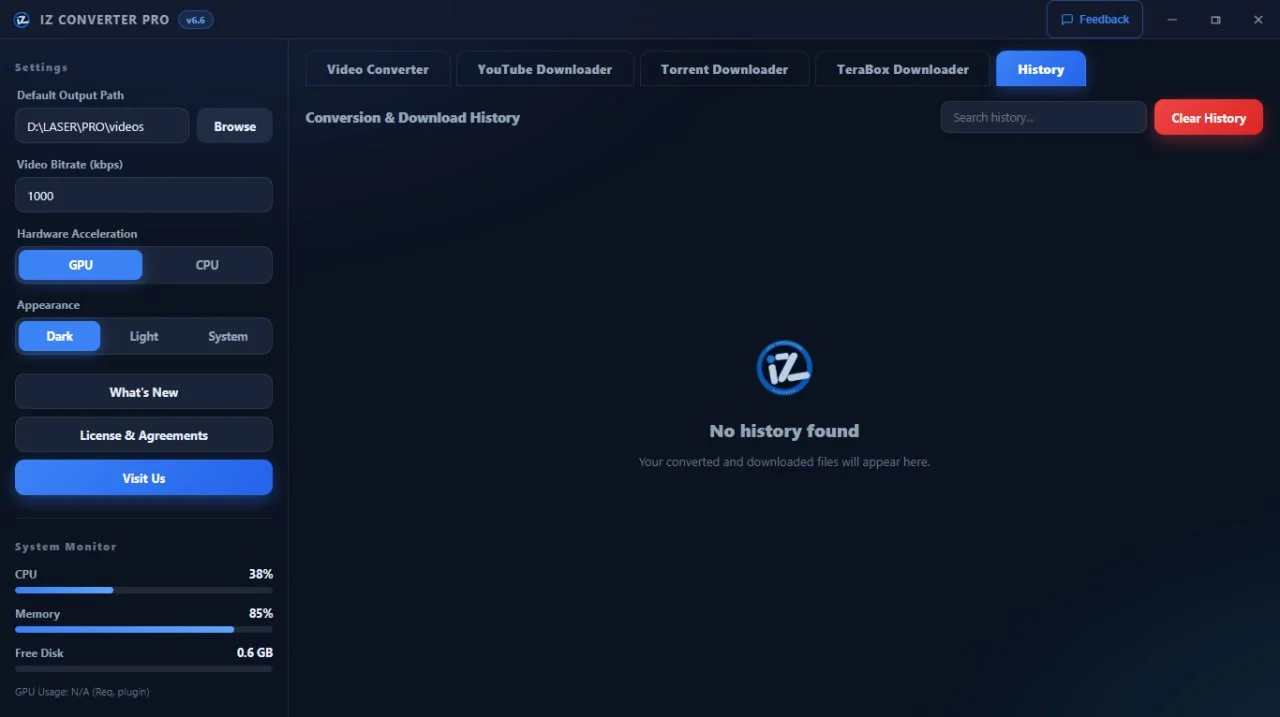
Download History
View and manage all past downloads with search and selection.
History Selection
Select multiple history entries for bulk actions.
TeraBox Downloader
Download files directly from TeraBox links.
Feedback Form
Send feedback directly from the app.
Splash Screen
Animated splash screen on launch.
Notifications
In-app update and notification system.
DevTools Disabled
F12/Ctrl+Shift+I blocked for production security.
Security Auditing Checks
Release binaries are compiled and packaged automatically in sandboxed environments before distribution to ensure deployment integrity.